0%

New Website Features

Website update

Learning Just Got More Flexible

Clearer, easier and more flexible, whether you’re at church in a group, on the couch with friends, or studying on your phone.

Visit Website Help

We’ve improved how content works across our site to make learning more flexible, clearer, and easier to use, whether you’re at church in a group, on the couch with friends, or studying on your phone.

Everyone learns differently, which is why these updates give you more control over how you engage with the content while watching, reading, printing, or sharing to a larger screen.

Watching

Smarter Video Playback
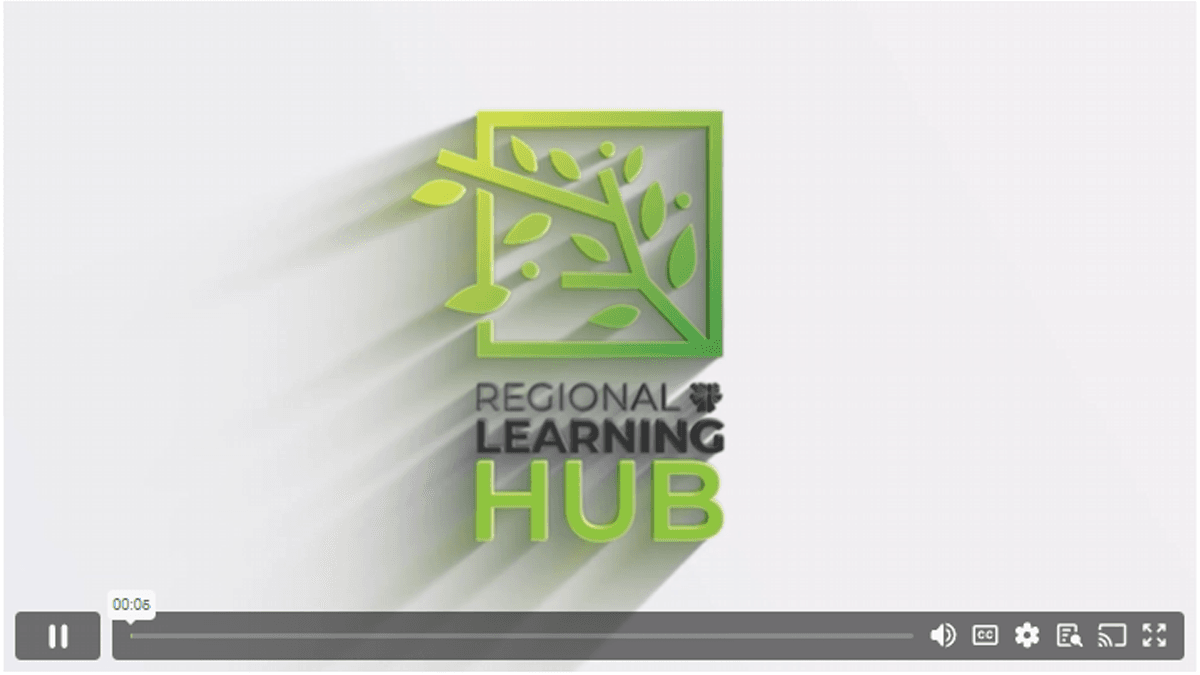

The Regional Learning Hub video player showing its playback controls

We now use the Vimeo embedded player for a more reliable and flexible video experience. It’s ideal for learning at home, presenting to others, or watching on a larger screen.

  • Watch videos smoothly across devices
  • Cast or screen-share videos to your TV for comfortable viewing
  • Use videos for personal study or group learning

Accessibility

Video Subtitles


Videos include optional subtitles that display spoken dialogue in sync with the video.

  • Improve clarity and comprehension, especially for complex topics
  • Support viewers who are deaf or hard of hearing
  • Enable viewing in sound-sensitive environments
  • Assisted learning through simultaneous reading and listening

Need a hand with the new features?

Our help page has the answers.

Website Help

Reading along

Video Transcripts


Videos now include optional closed captions, plus an additional transcript panel inside the player.

  • Read along while watching
  • Search for specific topics or keywords
  • Jump directly to the section you need
  • Review content without rewatching the full video

Offline learning

Printable Resources
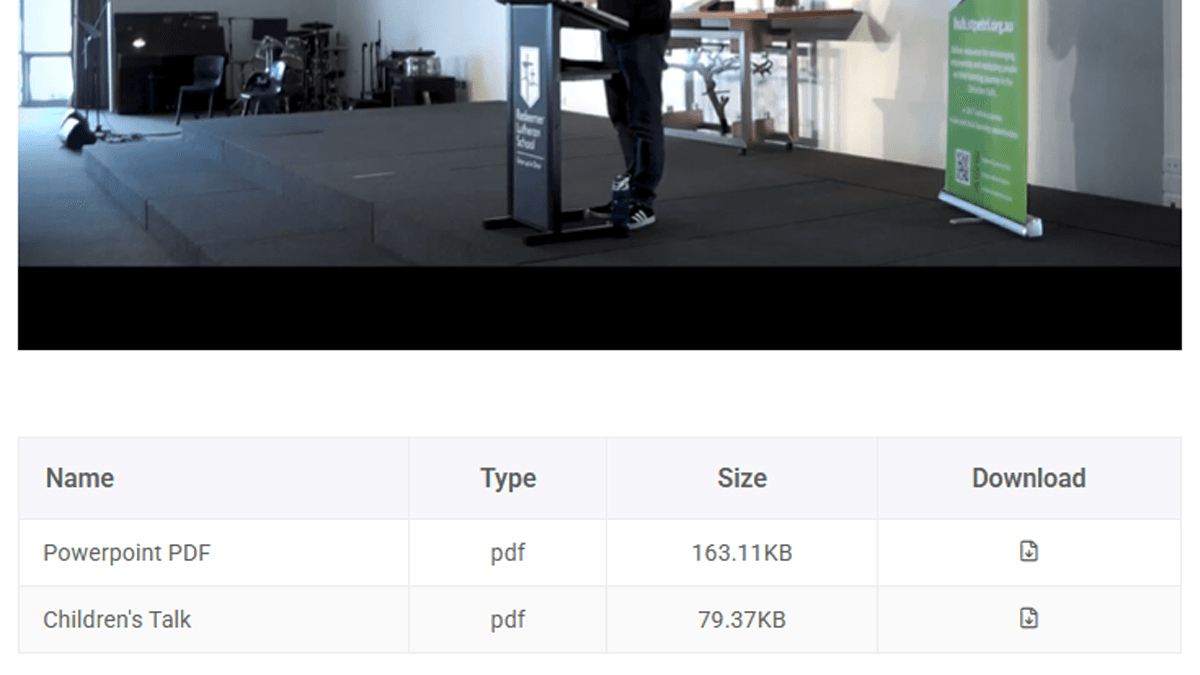

Printable resources on the Regional Learning Hub

You can now:

  • Download PDF packs and lesson materials
  • Print course outlines for offline reference
  • Follow along with structured resources while watching

This makes it easier to take notes and plan your learning in a group.

We are here to help

Need a Hand?

Whether you are brand new to the Hub or a regular, help is close by.

Browse the answers to common questions, send us a message if something is not working, or tell us how we can make the website better. Prefer to chat? Call 8562 1011 or email learninghub@stpetri.org.au.


Frequently asked questions

FAQs

Quick answers to common questions about using the Hub, from videos to resources.

Visit Website Help


Technical help

Technical help

Something not working as it should? Send us a message and we will help you sort it out.
Contact us


Website feedback

Website feedback

Spotted something that could work better, or have an idea? We would love to hear it.

Share feedback

Help Us Keep Improving

Your feedback shapes every update we make to the website. Tell us what is working and what is not.

New Website Features

Website update

Learning Just Got More Flexible

Clearer, easier and more flexible, whether you’re at church in a group, on the couch with friends, or studying on your phone.

Visit Website Help

We’ve improved how content works across our site to make learning more flexible, clearer, and easier to use, whether you’re at church in a group, on the couch with friends, or studying on your phone.

Everyone learns differently, which is why these updates give you more control over how you engage with the content while watching, reading, printing, or sharing to a larger screen.

Watching

Smarter Video Playback


The Regional Learning Hub video player showing its playback controls

We now use the Vimeo embedded player for a more reliable and flexible video experience. It’s ideal for learning at home, presenting to others, or watching on a larger screen.

  • Watch videos smoothly across devices
  • Cast or screen-share videos to your TV for comfortable viewing
  • Use videos for personal study or group learning

Accessibility

Video Subtitles


Videos include optional subtitles that display spoken dialogue in sync with the video.

  • Improve clarity and comprehension, especially for complex topics
  • Support viewers who are deaf or hard of hearing
  • Enable viewing in sound-sensitive environments
  • Assisted learning through simultaneous reading and listening

Need a hand with the new features?

Our help page has the answers.

Website Help

Reading along

Video Transcripts


Videos now include optional closed captions, plus an additional transcript panel inside the player.

  • Read along while watching
  • Search for specific topics or keywords
  • Jump directly to the section you need
  • Review content without rewatching the full video

Offline learning

Printable Resources


Printable resources on the Regional Learning Hub

You can now:

  • Download PDF packs and lesson materials
  • Print course outlines for offline reference
  • Follow along with structured resources while watching

This makes it easier to take notes and plan your learning in a group.

We are here to help

Need a Hand?

Whether you are brand new to the Hub or a regular, help is close by.

Browse the answers to common questions, send us a message if something is not working, or tell us how we can make the website better. Prefer to chat? Call 8562 1011 or email learninghub@stpetri.org.au.


Frequently asked questions

FAQs

Quick answers to common questions about using the Hub, from videos to resources.

Visit Website Help


Technical help

Technical help

Something not working as it should? Send us a message and we will help you sort it out.

Contact us


Website feedback

Website feedback

Spotted something that could work better, or have an idea? We would love to hear it.

Share feedback

Help Us Keep Improving

Your feedback shapes every update we make to the website. Tell us what is working and what is not.